
Menu
Texas Toy Soldier
Live project · Ongoing development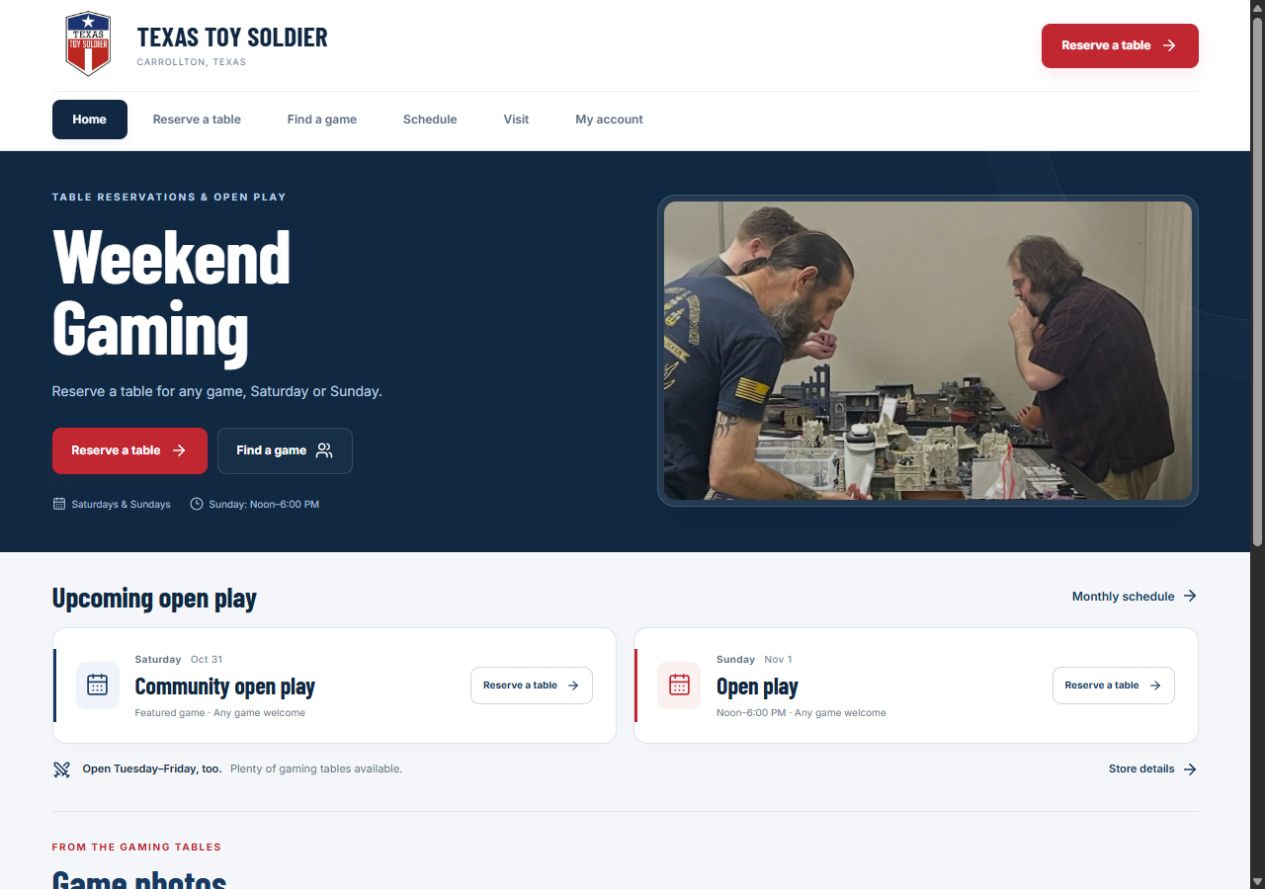
The challenge
Give players a straightforward way to reserve a table, find an opponent, and keep track of their games. The experience needs clear weekend times, current table availability, and player details that are easy to understand.
The approach
Bring the essentials into one place: choose a date, see the available times, and reserve or join a game. Player accounts keep new reservations together across devices, while optional email updates help people follow changes.
Project walkthrough
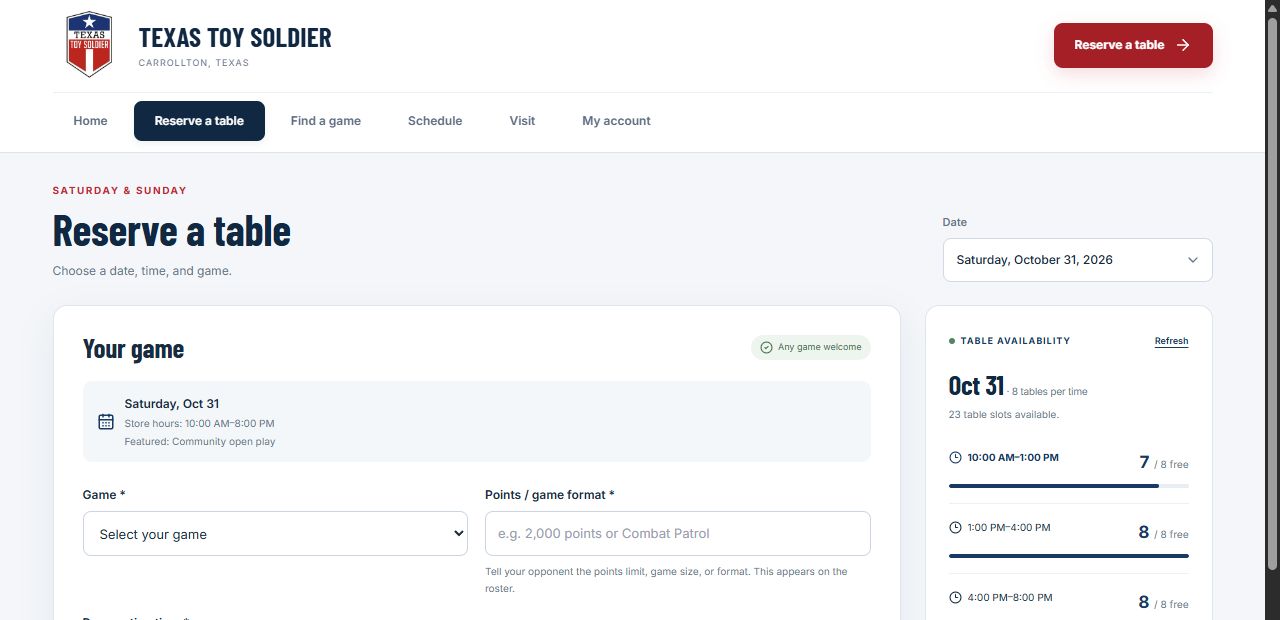
Choose a date
Pick a Saturday or Sunday. Each day shows its own reservation times, with all times kept in Central Time.
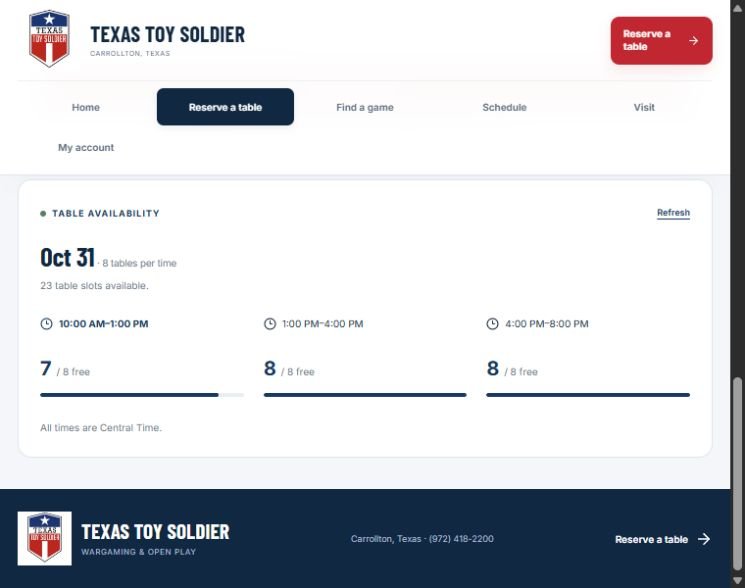
See availability
Check how many of the eight tables are free in each time slot, then choose a time that works for your game.
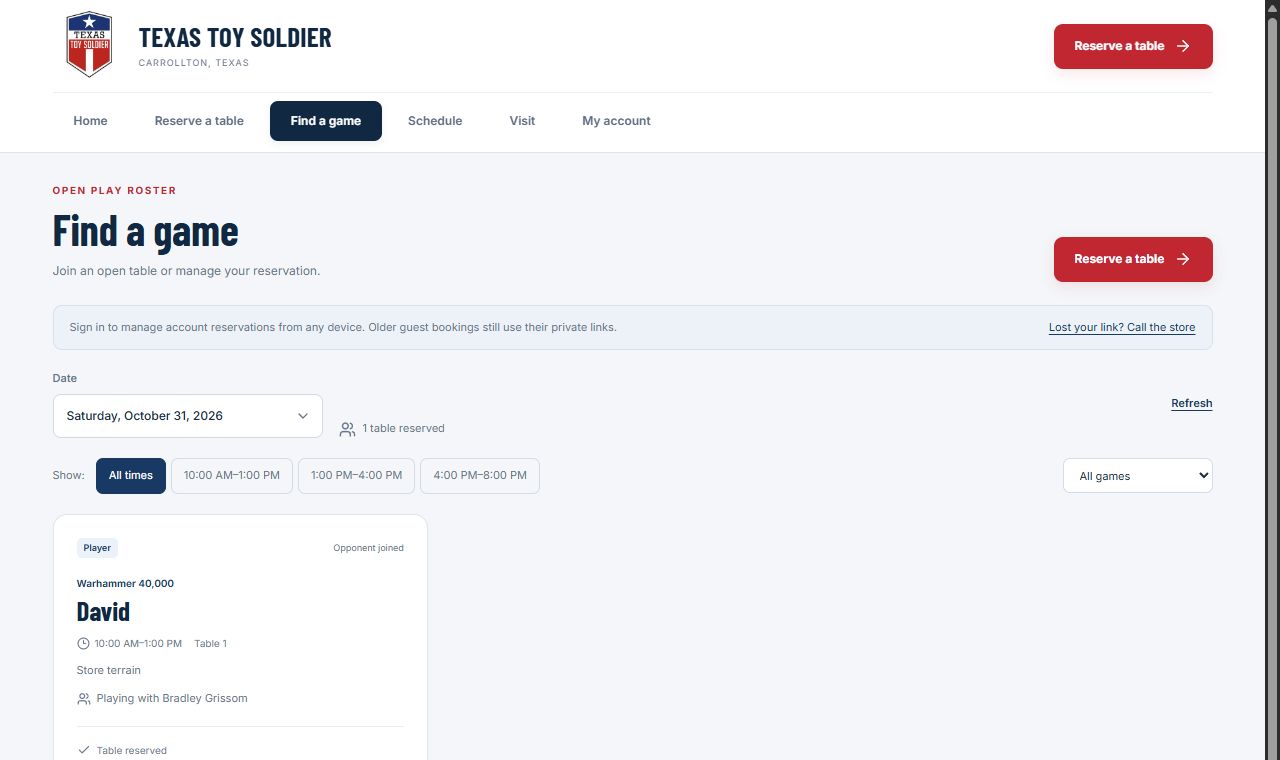
Find a game
Browse the roster by time or game. Players can join a table looking for an opponent or reserve one for their own group.
Website features
Weekend table reservations
Eight tables per time slot, with day-specific choices that fit the store’s Saturday and Sunday hours.
Player accounts
An emailed sign-in code gives players access to their profile and new reservations from another device.
Clear game details
Every new table reservation includes the game and its points limit or format, so other players know what is planned.
Finding an opponent
The roster distinguishes open games from arranged matches, with time and game filters to help players find a fit.
Optional email updates
Players can choose reservation and game emails when they book or join, including opponent changes and cancellations.
Staff-selected game photos
Player submissions stay private until store staff approve them for the public game gallery.
A personal game history
Players can mark their own finished games as played. A reservation by itself does not count as a game played.
Saturday
10 AM–1 PM · 1–4 PM · 4–8 PM
Sunday
Noon–3 PM · 3–6 PM
Eight tables per time slot. All times are Central Time.